
Random Letter Generator Guide: Classroom Games and Word Practice
A random letter generator is a simple tool that selects one letter from the alphabet and shows it on screen. It can be used as a random alphabet letter picker, a letter generator wheel, or a quick prompt for classroom games, spelling practice, and writing warm-ups. If you need a random letter generator for games, the basic workflow is the same: open the tool, generate a letter, and let the group respond. This guide shows how to use one well, with practical rules, examples, and troubleshooting tips.
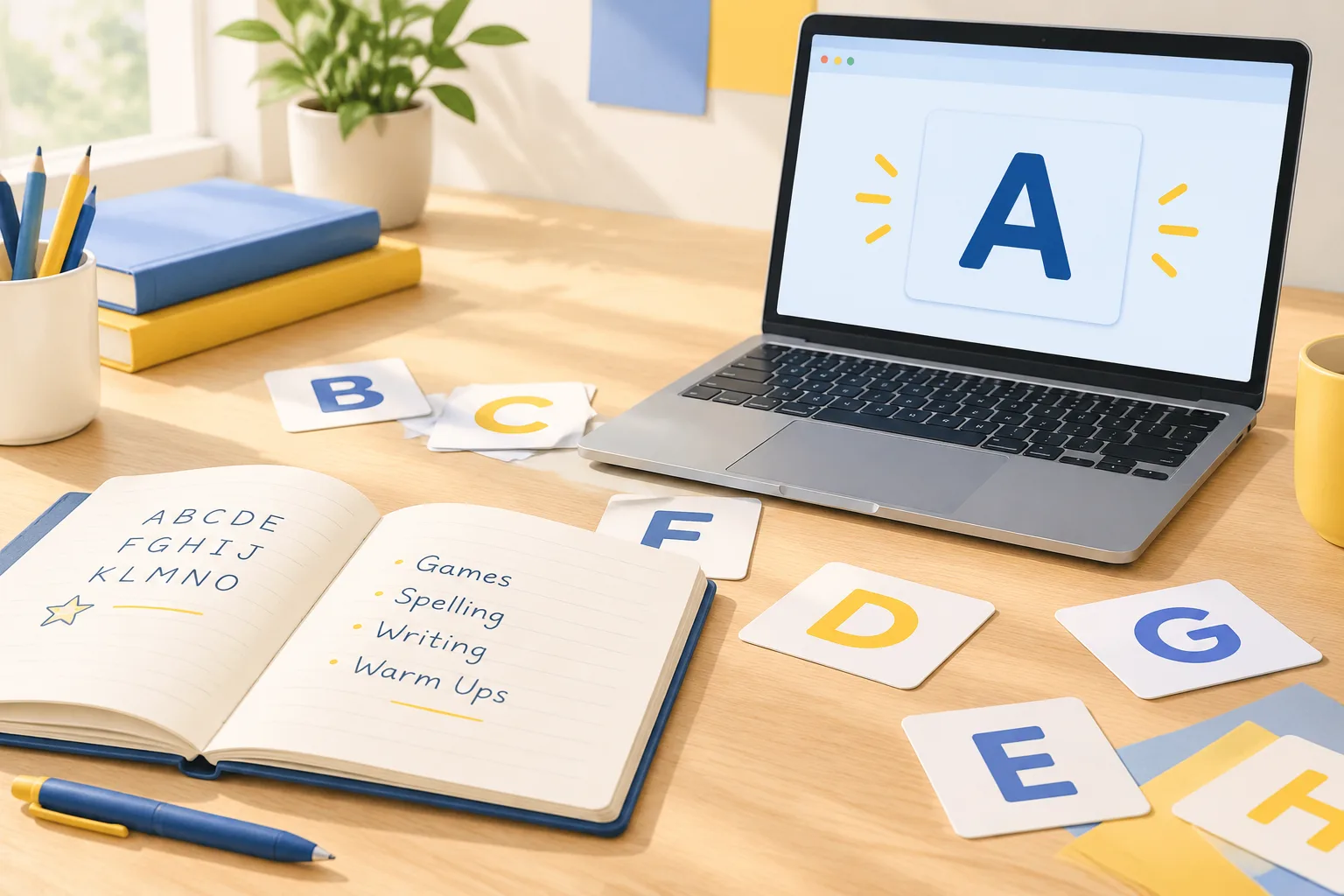
What a Random Letter Generator Does
A random letter generator focuses on the smallest useful unit of word play: the letter. Unlike a random word generator, which gives you a complete word, a letter picker gives you a constraint. That constraint can start a game, limit a writing prompt, or create a small puzzle for a learner.
Most random letter generators share a few core features:
- A single-letter display. The letter appears large enough for a group to see.
- A generate button. Each click or tap produces a new result.
- Optional alphabet settings. Some tools let you exclude confusing letters, repeat letters, or choose only vowels.
- Keyboard and mobile support. This matters when a teacher is moving around a room or sharing a screen.
- Copy or history controls. Useful when you want to save a sequence for later.
If you are looking for a straightforward option, try the Random Letter Generator. It is designed for quick picks during lessons, game nights, and writing sessions.
Why Letters Work Well for Games and Word Practice
Letters are flexible. A single letter can become a category challenge, a spelling constraint, a vocabulary hunt, or a story starter. Because the prompt is small, the activity stays open-ended. That makes it easier to include different skill levels in the same round.
Fairness and surprise
When the teacher or group leader chooses letters manually, it is easy to favor familiar letters or avoid hard ones. A random alphabet letter picker removes that choice. Everyone sees the same result, and the rule is easy to explain: the tool picks, the group plays.
Fast setup
Letter games need very little preparation. You can use paper, a whiteboard, or a shared document. The generator handles the prompt, so the group can start within seconds. This is useful for transitions, end-of-day activities, and short tutoring sessions.
Built-in differentiation
You can adjust the task, not the tool. Younger learners might name words that start with the letter. Older learners might write a paragraph where every sentence begins with that letter, or list advanced vocabulary from a subject area.
How to Use a Random Letter Generator Step by Step
1. Choose the right tool mode
Open the Random Letter Generator and decide what kind of pick you need. A single-letter mode is best for most classroom games. A wheel-style display can work well for group play because the spinning action adds anticipation.
2. Set simple limits before the first round
Decide whether you will allow duplicate letters, whether vowels should appear more often, and whether difficult letters such as Q, X, and Z should stay in the pool. Write the rules where everyone can see them. If the tool offers settings, apply them before the first spin.
3. Model one round
Before the game begins, demonstrate with a practice letter. Show how much time each team gets, what counts as a valid answer, and how disagreements will be settled. A short model round prevents confusion later.
4. Keep a visible record
Write the generated letters on a whiteboard or shared doc. This helps groups track used letters and reduces arguments. It also creates a simple record you can review if a round is interrupted.
Classroom Games with a Random Alphabet Letter Picker
These activities work across elementary, middle, and high school. Adjust the time limit and expected response length for your group.
Letter Sprint warm-up
Goal: Activate vocabulary and quick thinking.
- Generate one letter.
- Give students 60 seconds to write as many words as they can that begin with that letter.
- Ask students to circle one word they can define or use in a sentence.
- Compare lists in pairs.
For a quieter version, students can write words in a notebook. For a more active version, teams can send one runner to the board at a time.
Category Challenge
This is a Scattergories-style game that works with almost any subject.
- Create four to six categories, such as animals, foods, places, verbs, or science terms.
- Generate a letter.
- Give teams two minutes to find one answer per category that starts with the letter.
- Award one point for a valid answer and a bonus point for a unique answer.
Examples with the letter B:
- Animal: bear
- Food: bread
- Place: beach
- Verb: build
- Science term: battery
If a team cannot fill a category, they can leave it blank. Partial answers are still useful because they show where vocabulary gaps exist.
Letter Ladder spelling practice
Goal: Practice spelling patterns without a standard list.
- Generate a letter.
- Ask students to build a ladder of words that contain the letter, starting with short words and moving to longer ones.
- Example with T: at, tin, tent, table, traffic.
- Students read their ladder aloud and mark the letter in each word.
This works well for phonics groups and English language learners because it focuses on one sound-symbol pattern at a time.
Hangman-style rounds
A random letter picker can supply the secret letter or seed a word for a hangman round. If you want a full walkthrough, see How to Play Hangman. You can also combine a letter prompt with a word generator: for example, generate a noun from a random noun generator guide and ask students to describe it using words that start with the random letter.
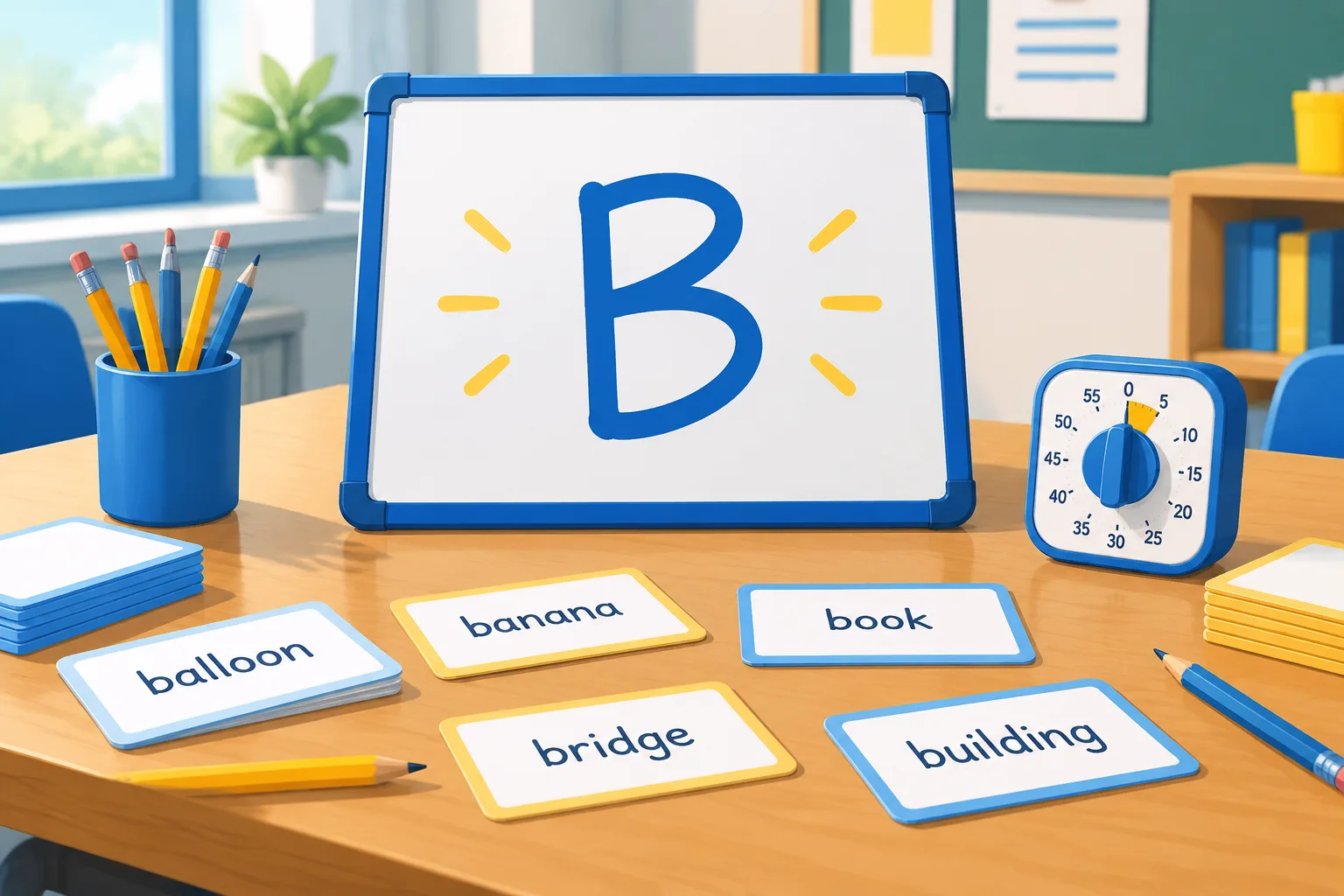
Letter Generator Wheel Ideas for Group Play
A letter generator wheel is a visual variation that spins before landing on a letter. The extra few seconds of suspense can make group games feel more exciting, especially with younger learners.
Team relay
Divide the group into two teams. Generate a letter. Each team sends one player to write a word that starts with the letter. The next player continues with a new word. The first team to reach five valid words wins the round. If a word is repeated, the team must choose another.
Pass-the-letter story
Generate a letter. Each player adds one sentence to a story, and at least one word in the sentence must start with that letter. After three or four sentences, generate a new letter and continue. This is a low-pressure way to practice sentence structure and vocabulary.
Wheel-and-sort
For younger students, generate a letter and ask them to sort picture cards or objects into two groups: words that start with the letter and words that do not. This supports phonemic awareness without requiring spelling.
Writing Prompts and Word Practice at Home
A random letter generator is not only for classrooms. Writers, tutors, and families can use it for short, focused practice.
Letter of the day
Choose one letter in the morning. During the day, collect words, idioms, or interesting facts connected to that letter. At dinner or bedtime, review the list together. This turns vocabulary practice into a small daily ritual.
Constraint writing
Set a constraint: every sentence must include a word that starts with the generated letter, or the first word of each paragraph must begin with it. Constraints can push writers away from familiar phrasing. They are also useful for poetry, journaling, and flash fiction.
Vocabulary journal
Generate a letter, then ask the learner to add three new words to a vocabulary journal. For each word, they write a definition in their own words and one sentence. Review the journal weekly to spot patterns, such as repeated prefixes or favorite topics.
How to Keep Letter Games Fair and Inclusive
Decide how to handle hard letters
Letters such as Q, X, and Z can stall a game. You have three good options:
- Allow extra time. Give one additional minute when a hard letter appears.
- Allow proper nouns. Place names and names of people can count if the group agrees in advance.
- Use a helper card. Each team gets one pass per game.
Write the rule before the game starts so no one feels singled out.
Support multilingual learners
Letter games can be adapted for students who are still building English vocabulary. Allow answers in a student's home language if the group is practicing concept knowledge rather than English spelling. For English practice, provide a word bank or picture dictionary. The goal is participation, not embarrassment.
Make the screen visible
If you are using a projector or a shared screen, check that the generated letter is large enough to read from the back of the room. Use high contrast and avoid placing the letter next to busy images. For online classes, share the tab or window and ask students to confirm they can see the result.
Troubleshooting Common Issues
The same letter keeps appearing
Random means random. Short runs of repeated letters can happen. If repeats are disrupting a game, use a no-repeat setting if your tool has one, or remove each used letter from a physical alphabet set. For writing prompts, a repeated letter is usually fine because the goal is practice, not variety.
The letter is too difficult
Switch the task, not the letter. Ask for words that contain the letter instead of starting with it. Or let students use a dictionary, glossary, or word wall. The letter stays the same, but the difficulty level drops.
Students freeze when they see the letter
Give a 10-second think time before writing begins. Let students whisper ideas to a partner. Provide a starting phrase, such as 'One word I know is...' This lowers the pressure and keeps the round moving.
The group argues about valid answers
Use a simple test: Is it a real word? Is it spelled correctly? Does it fit the category? If the group cannot agree, put the answer aside and move on. Keep a running list of disputed words to review later.
Adapting the Tool for Different Ages
Early elementary
Use letters that appear often in simple words: A, B, C, M, S, T. Keep rounds short and focus on beginning sounds. Picture cards and oral answers can replace writing.
Middle grades
Add categories, time limits, and team scoring. Ask students to explain why an answer fits the category. This builds vocabulary and reasoning.
Teens and adults
Use constraint writing, debate prompts, or advanced vocabulary challenges. For example, generate a letter and ask each person to name a policy, invention, or literary term that starts with it. Then explain the connection in one sentence.
FAQ
What is a random letter generator?
A random letter generator is a tool that selects one letter from the alphabet and displays it. People use it as a random alphabet letter picker for classroom games, writing prompts, spelling practice, and group activities.
Is a random letter generator truly random?
Most online random letter generators use a random or pseudo-random process to select letters. No tool can guarantee perfect randomness in a philosophical sense, but for games and classroom practice, the result is unpredictable enough to be useful. If you need strict fairness for a competition, explain how the tool works before you begin.
Can I use a random letter generator for classroom games?
Yes. Common uses include Letter Sprint, Category Challenge, Letter Ladder, and hangman-style rounds. The key is to set clear rules before the first letter appears: time limits, valid word types, and how disputes will be resolved.
How do I stop the same letter from appearing twice?
Check whether your tool has a no-repeat or history option. If it does not, keep a visible list of used letters and generate again when a repeat appears. For a physical version, remove each letter card from the pool after it is drawn.
What are good categories for a random letter picker classroom game?
Good categories depend on the subject. Try animals, foods, places, verbs, adjectives, jobs, science terms, historical figures, book titles, or emotions. For younger learners, use concrete categories such as toys, colors, or animals.
Can a letter generator wheel replace a word generator?
They do different jobs. A letter generator wheel gives you a constraint for spelling, vocabulary, and category games. A word generator gives you a complete word for story starters, brainstorming, or prompt writing. Many teachers use both: a letter to start a challenge and a word to deepen it.
What if the letter is too hard for the group?
Change the task, not the tool. Ask for words that contain the letter, allow proper nouns, give extra time, or let students use a word wall. The goal is productive practice, not frustration.
Start with One Letter
A random letter generator is a small tool with a wide range of uses. It can run a five-minute classroom game, spark a writing session, or give a tutoring lesson a clear focus. The best way to learn what works is to try one short activity and adjust the rules afterward. Open the Random Letter Generator, generate a letter, and choose one game from this guide to run with your group today.