Tile games
See every word your Scrabble or tile rack can actually build, longest first.
No account required. Results are generated in your browser.
Adjust the filters and generate a fresh list.
Random Word Kit · free tool
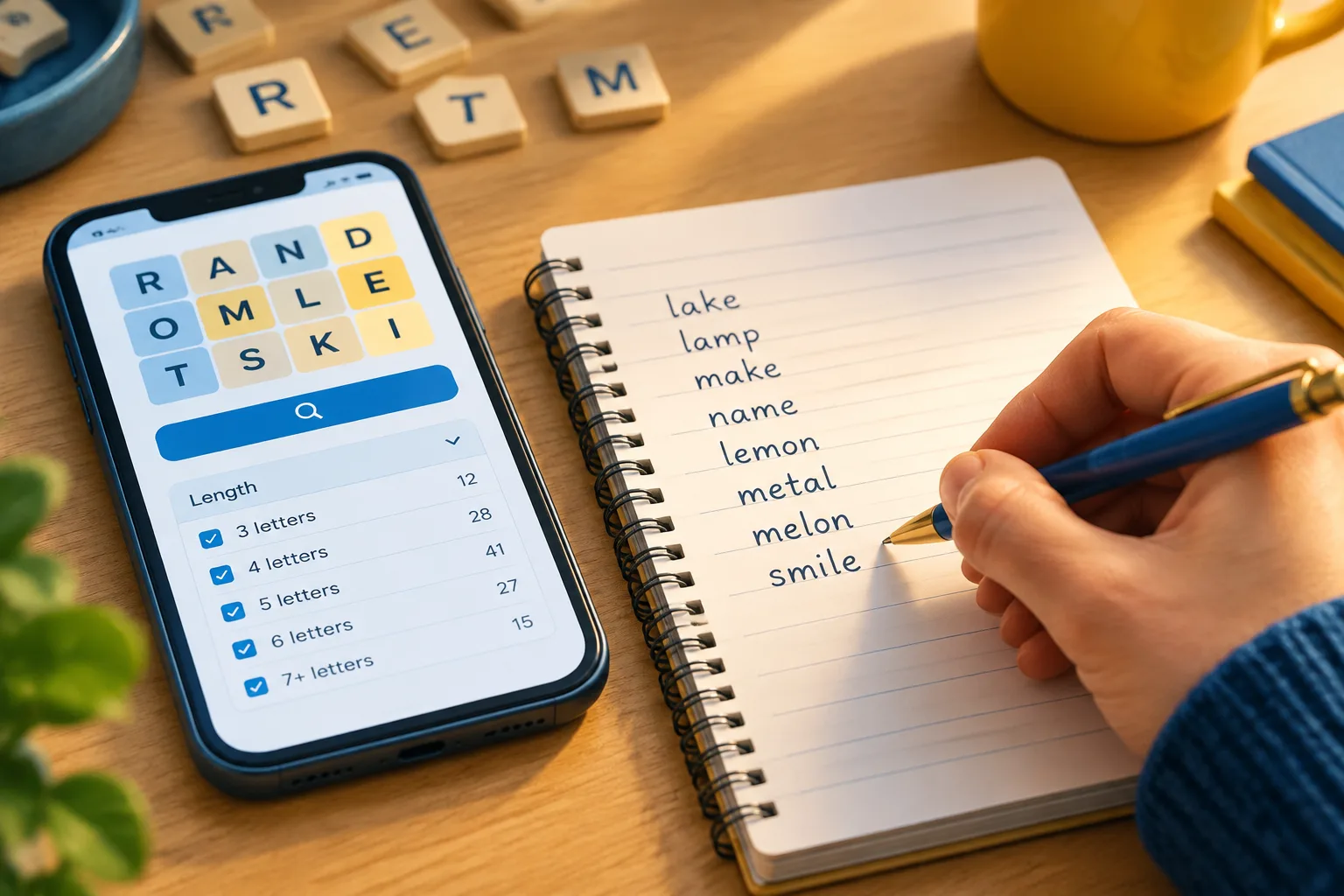
Enter your letters and make every possible word from them — a word maker and solver for Scrabble tiles, anagrams, and daily word puzzles.
Step 1
Enter the letters you have — from tiles, a board, or a random draw.
Step 2
Set a minimum length, or add a pattern like "c..p" to pin known letters in place.
Step 3
Results are sorted longest first, so the highest-value words are on top.
A word maker from letters turns a jumble into an ordered word list — exactly what tile games, anagram puzzles, and daily word games ask for.
See every word your Scrabble or tile rack can actually build, longest first.
Paste the jumbled letters and get the solutions without burning hints.
Combine with the pattern filter to keep only words that fit a known board.
No account, no lookup limits. The word maker works entirely in your browser.
A word is listed only if every one of its letters is available in your input — each letter can be used as many times as it appears in your letters, not more.
Yes. Use the pattern box with dots for unknowns — "c..p" keeps only words where c is first and p is last.
The word list is a curated general-English corpus, so proper nouns, abbreviations, and very rare words are excluded by design.
It is the same idea: enter random letters, get every word they can form, sorted longest first.
The five-letter helper adds green/yellow/gray tracking for daily word games.
A word maker is a tool that takes a set of letters — ones you typed yourself or ones the tool picked at random — and returns every word that can be built from them. If you have ever stared at R A T S E N D on a game board, or wanted twenty fresh vocabulary words for a Monday lesson, a word maker does the tedious part and hands you the list. This guide covers how these tools actually work, how to run a word maker with random letters, and how to turn a word generator from words into something you can really use.
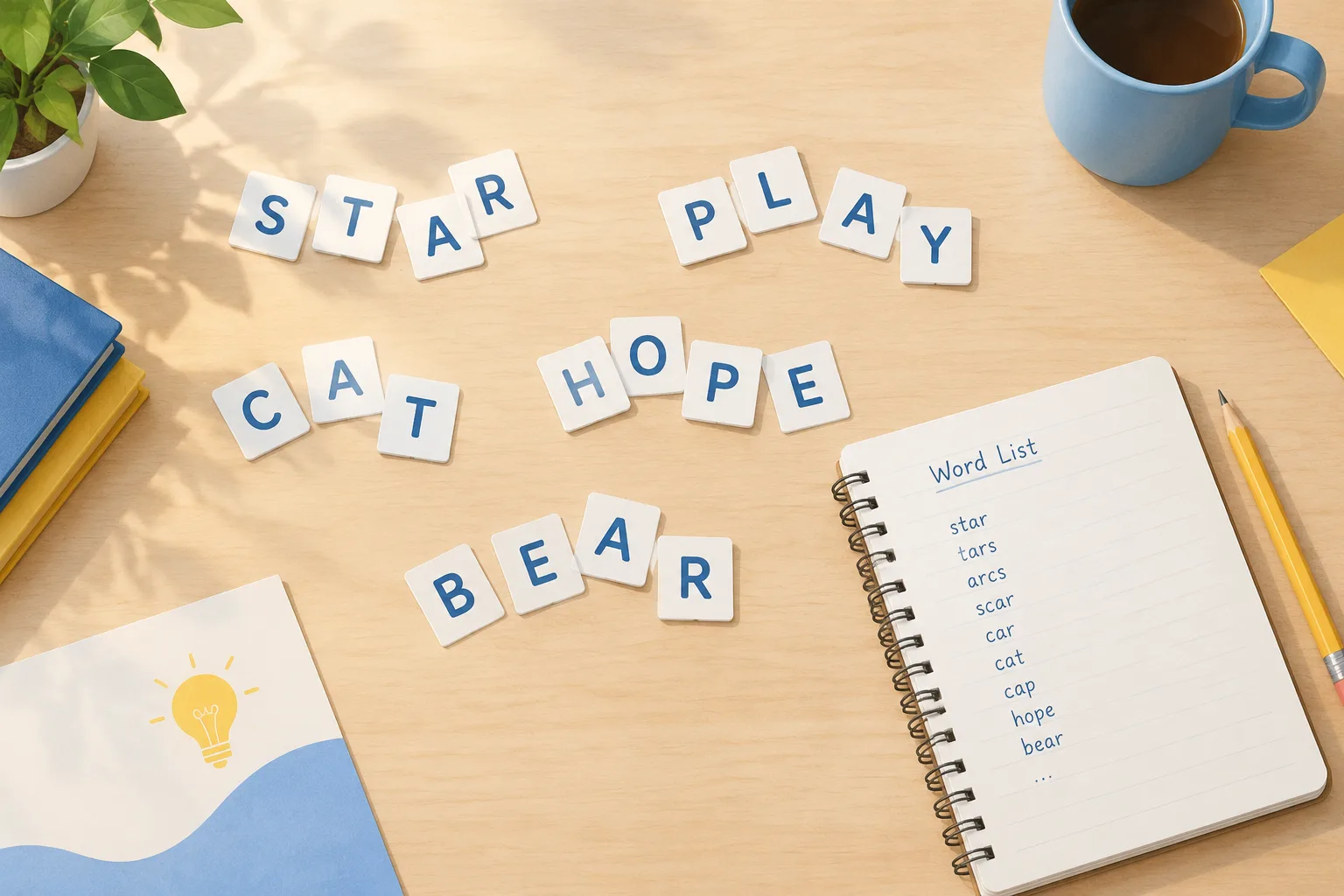
Strip away the interface and a word maker performs three jobs, in order:
E E T L A B is not the same as E T L A B, because the duplicate E changes what is possible.That is the whole trick. There is no magic and no guessing — a word maker is a search tool wearing a friendly hat. The quality of the output depends almost entirely on two things: whether the dictionary matches your game's official word list, and whether the tool respects letter counts.
The letter pool is a small tally. Say your letters are S T O N E S. The pool is S×2, T×1, O×1, N×1, E×1. A candidate word is only valid if, for every letter it uses, the candidate uses that letter no more times than the pool holds. So STONES works, STONE works, TOSSES does not — it needs three S entries and you only have two.
This is the single most common source of confusion. People see the word TOSSES in a dictionary, type the letters S T O N E S, and wonder why the tool "missed" it. It did not miss anything; you do not have the letters.
Different tools use different word lists, and this is where results diverge sharply:
Before you trust a list, decide what you are doing with it. For a class spelling test you want the everyday dictionary. For a board game you want the tournament list. A word maker that only offers one of the two will frustrate you half the time.
Length-first ranking is standard, but a few tools rank by "most common word first" or by score value in a game. If you are hunting for a single high-value play, sort by length descending and scan the top twenty entries; if you are building a vocabulary list, sort by familiarity instead, or filter to words above a certain length and below a certain obscurity level.
Here is a workflow that works on almost any word maker, including the one on this site.
A E L R T X rather than T R X A E L. Alphabetical order makes duplicates visible, and duplicates are what break results.If you would rather start from a clean slate, the word maker tool on Random Word Kit accepts both a typed letter set and a generated one, so you can move between the two without switching apps.
A word maker with random letters flips the usual order of operations. Instead of bringing letters, you ask the tool for letters and then solve them. That sounds like a party trick, but it is genuinely useful when you need quantity: twenty spelling words for the week, ten five-letter words for a puzzle, a batch of short words for a beginner reading exercise.
The workflow that keeps random output usable:
Q yet, exclude it. Many generators let you choose vowels-only, common consonants, or a custom letter set.J V W Q is not a failure of the tool, it is a reroll.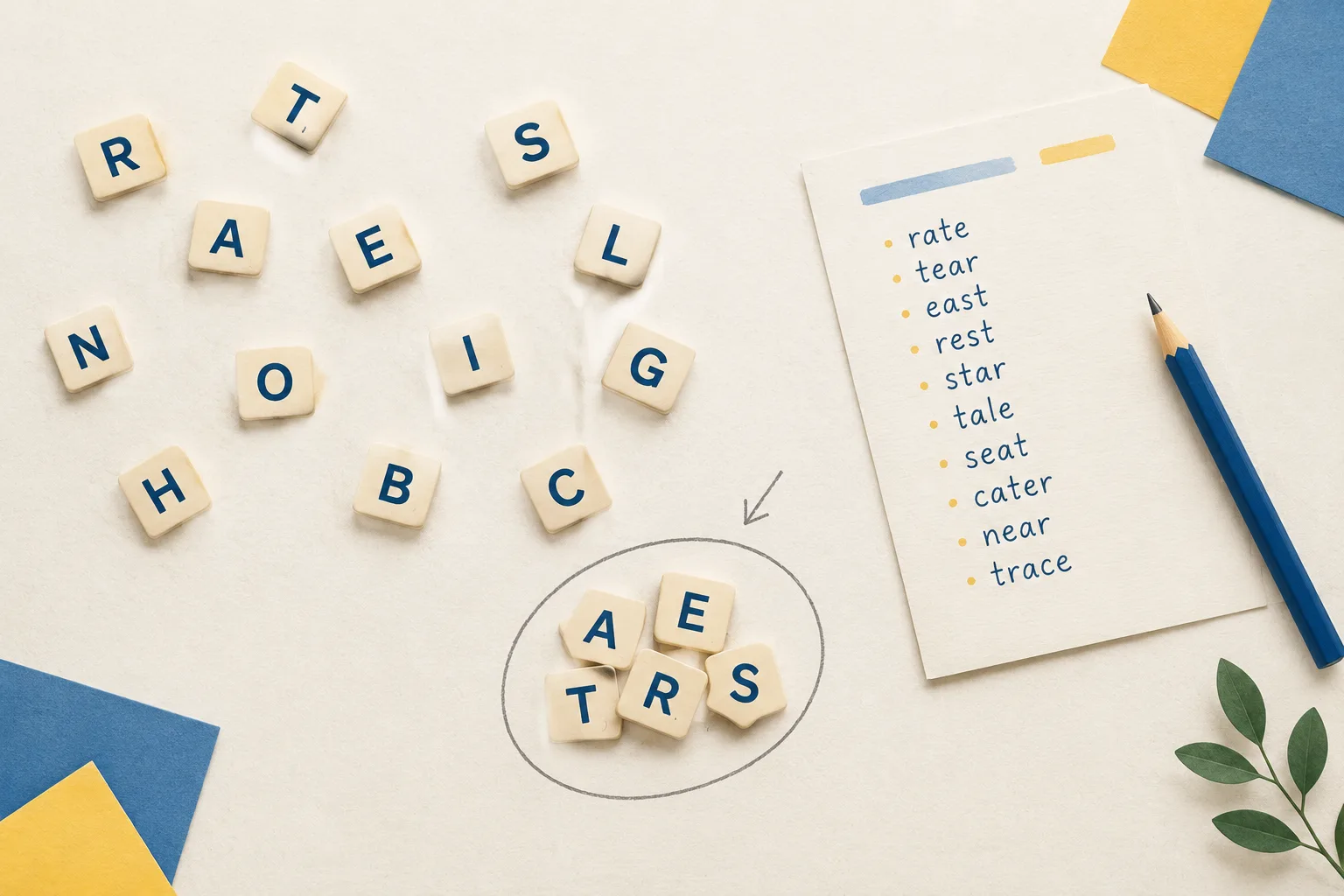
A word generator from words is a different beast from a letter solver. Instead of taking letters, it takes a word or a theme and produces related words. It is closer to a thesaurus with a randomiser attached.
Useful patterns:
The two tools pair well. Generate words to get seeds for a theme, then run a letter-based word maker when you need to squeeze possibilities out of a specific letter set. A random word generator handles the first half of that loop.
Every word maker user eventually meets a rack that looks hopeless. Some practical responses:
Q and no U, accept that you are working with a very short list, or house-rule the game to allow QI-type words if your dictionary supports them. Check first — regional dictionaries differ.X pairs well with A, E, I and O; Z pairs well with A, E and O.A A E I O looks rich but produces a lot of near-words. Set your minimum length to four and ignore anything shorter.A raw list of two hundred words is not useful. Filtering is where a word maker earns its keep:
| Goal | Useful filter |
|---|---|
| Board game play | Sort by length, then by score; ignore anything you cannot define |
| Classroom spelling | Minimum four letters; exclude proper nouns; group by shared pattern |
| Poetry or lyrics | Filter by syllable count and stress pattern, not letter count |
| Puzzles and crosswords | Filter by exact length and known letters in fixed positions |
| Naming | Sort by sound, then edit; the list is raw material |
If your tool cannot filter, export the list and sort it in a spreadsheet. Two minutes of sorting beats twenty minutes of scrolling.
A word maker earns its place in a lesson plan when it turns a passive activity into a timed one. Three formats that work:
Two classroom constraints worth remembering: projectors make letter racks readable across a room, and printed lists should cap at about twenty words or students stop reading. Generate more, print less.
Writers use word makers for two jobs. The first is unblocking — a random word dropped into a stuck paragraph often works better than sitting and waiting for the perfect one. The second is naming: characters, streets, taverns, spaceships. Generated words are usually too regular to use raw, so treat them as clay. Swap a vowel, add a suffix, and Bramwick becomes Bramwell instead of Bramwick.
A caution that applies to all generated text: never let a word maker decide meaning for you. It sorts words by length and spelling, not by whether they fit the sentence. The final read-through is still yours.
The tool returns far fewer words than expected. Nine times out of ten this is a duplicate-letter problem or an accidental extra space in the input.
A real word is missing from the list. Check which dictionary the tool uses. Everyday dictionaries include many words that tournament lists exclude, and vice versa — okay and email, for example, sit on different sides of that line depending on the list.
The list is full of words nobody uses. Raise the minimum length and, if the tool allows it, filter out the most obscure entries. Obscure words are useful for games and harmful for teaching.
Short words dominate. Set a minimum of four letters. Two-letter words will otherwise bury everything interesting.
Results look duplicated. Some tools list a word once per letter arrangement. Look for a de-duplicate option, or sort the export and remove repeats.
Nothing works and the rack really is bad. Reroll. A word maker with random letters will hand you a dud sometimes; that is the deal you accept in exchange for not having to invent letters yourself.
Can a word maker use the same letter twice?
Only if your letter set contains that letter twice. The tool respects your actual inventory, so E E T L A B allows words with two Es while E T L A B does not. Check for duplicates before you conclude the results are wrong.
What is the difference between a word maker and an anagram solver?
An anagram solver usually requires you to use all the letters and returns rearrangements of the whole set. A word maker returns any valid subset — two-letter words, four-letter words, everything in between. They overlap, but the outputs are not the same.
Does a word maker only show words from Scrabble dictionaries?
Not necessarily. Some tools use everyday dictionaries, some use tournament word lists, and some let you switch. If the tool you are using does not say, test it with a word like email or a two-letter word you know is legal in your game.
Why does my word maker return so few words from a long letter set?
Long racks are often vowel-poor or overloaded with rare consonants like Q, Z and X. Try lowering the minimum word length to three, and confirm you have not accidentally typed a space or a duplicate the pool cannot support.
Can I use a word maker in a classroom with a projector?
Yes, and it works well. Display the rack, run a timed hunt, then reveal the full list. Keep printed follow-up lists to roughly twenty words so students actually read them instead of skimming.
A word I know is real is missing. What now?
Check the dictionary mode first. If it is set to a tournament list, common modern words may be absent by design. If the word still should appear, report it — and in the meantime, keep your own short list of words the tool misses.
Is a word generator from words useful for naming characters?
It is a decent first step. Seed it with a theme word, collect twenty candidates, then edit each one until it sounds like a name rather than a dictionary entry. Raw output rarely survives contact with a reader.
Bring a rack of letters, or ask for a random one, and let the Random Word Kit word maker do the searching. Sort by length, filter to the words that fit your game, lesson, or paragraph, and save the shortlist. Two minutes with a word maker beats twenty minutes of staring at tiles.